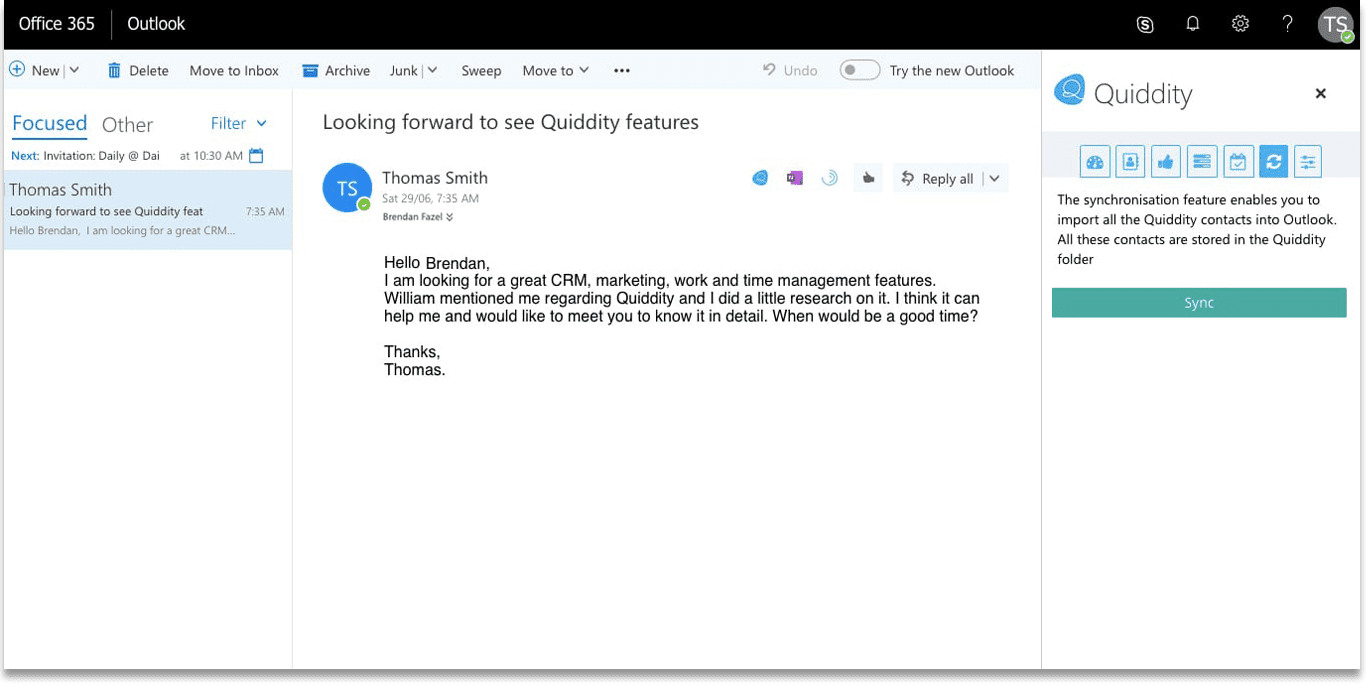
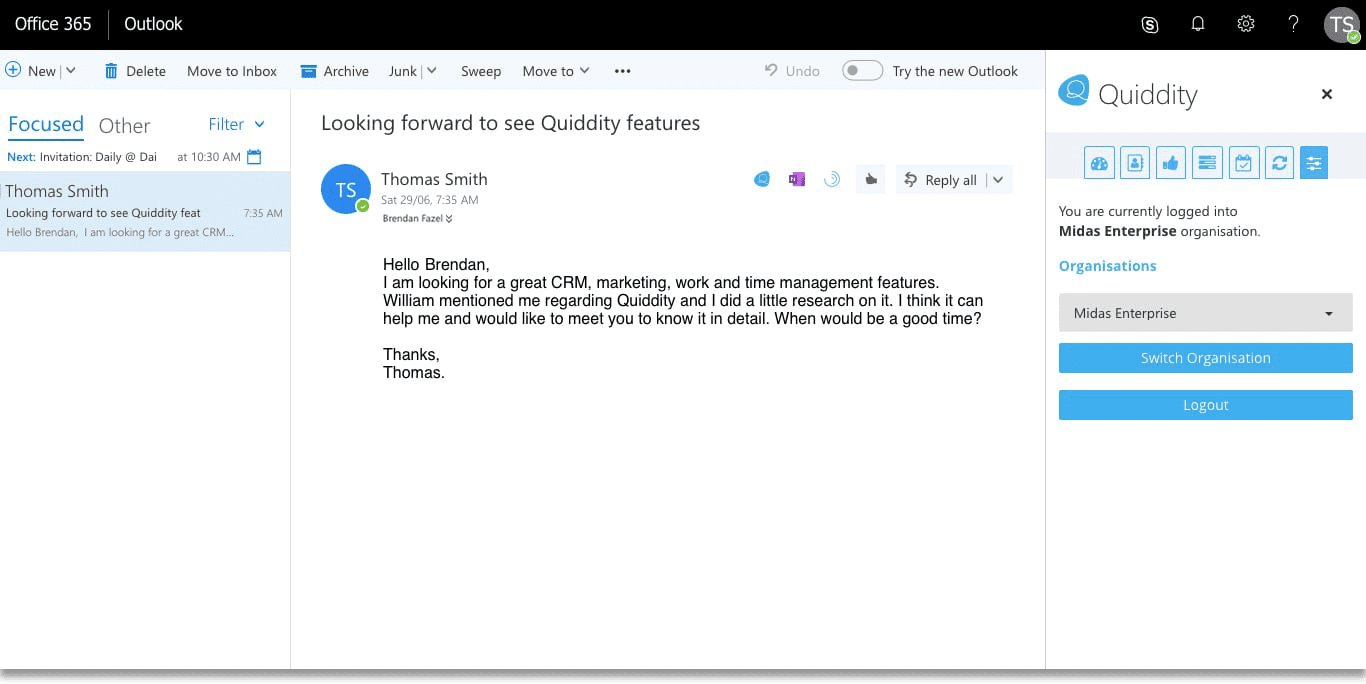
Never lose a client
Get the contacts created automatically in your Quiddity organisation from your Outlook to ensure that you don’t miss a single detail of it.
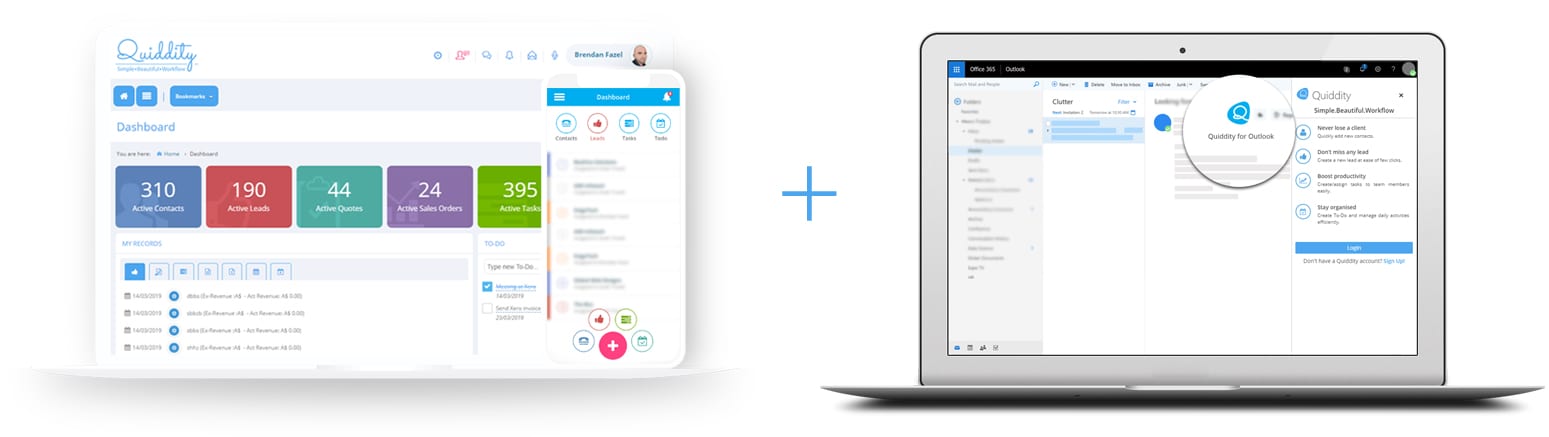
Increase productivity by integrating Quiddity with Outlook
We spend most of the time creating entries in a CRM solution by collating information from numerous emails. Now, automate this process and spend your time in adding value to your organisation by letting the add-in read information from the Outlook emails and log all the details in Quiddity.
Use the Outlook add-in to quickly create contact, lead, task and to-do in Quiddity from your Outlook inbox. The add-in will automatically fetch sender’s information, email content and auto fill the details making it easy for you to create entities in Quiddity. With the CRM Outlook integration, create new entities from the Outlook, focus on important activities and boost your productivity.
Get the contacts created automatically in your Quiddity organisation from your Outlook to ensure that you don’t miss a single detail of it.

Create leads for existing contacts with the help of the add-in which fetches the information directly from your email and rest assured regarding your business opportunities.

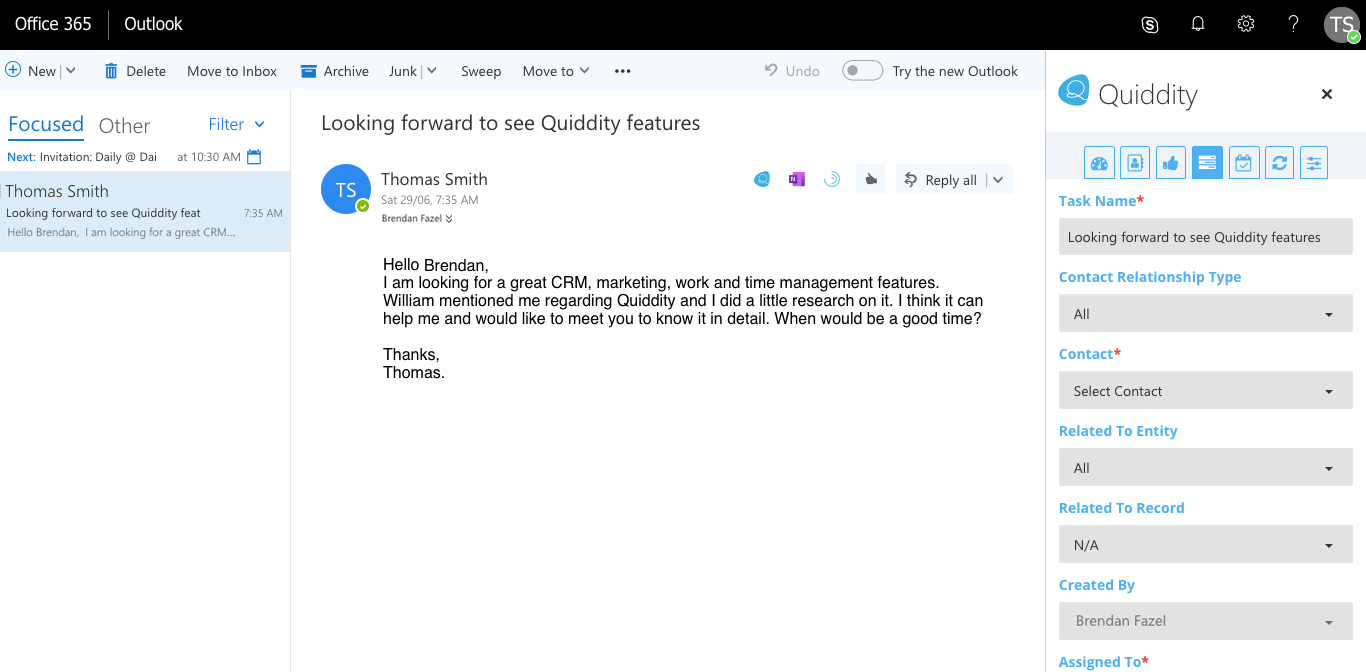
Create a task and assign it to your team members by allowing the add-in to fill the details from your email and ensure that the task is assigned to the appropriate team member.

Create the to-do’s automatically by using the information fetched by the add-in and ensure that you never miss any of the assigned deliverables.